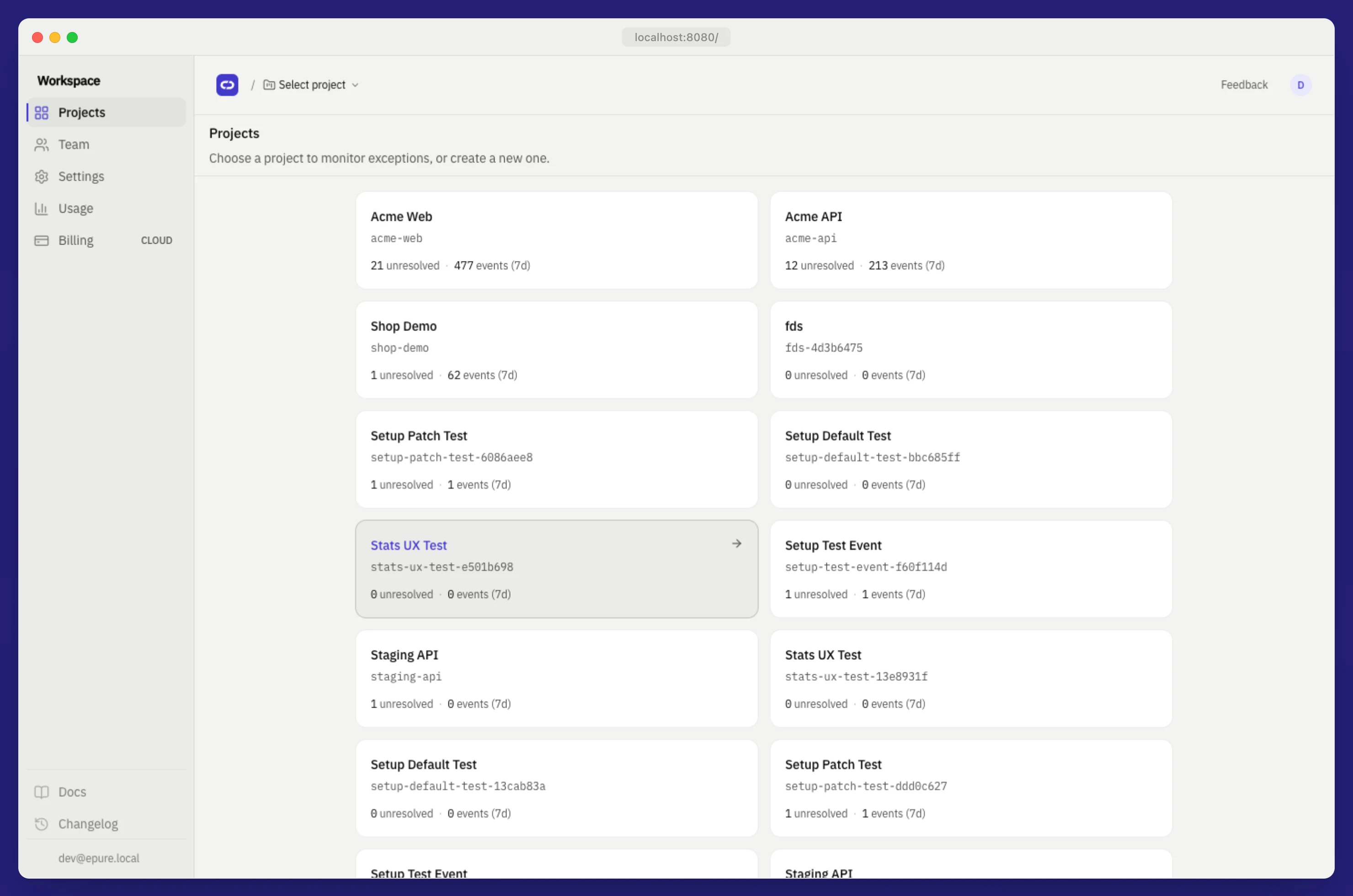
Projects
One instrumented app or service under your workspace. Each project owns DSN keys, retention, ingest cap, releases, alerts, and webhooks.
What is a project?
One instrumented app or service. It owns DSN keys, retention, an ingest cap, releases, and webhooks.
Workspace hierarchy
Workspace (org)
└── Project
    ├── DSN keys (create / rotate / revoke)
    ├── Issues + events
    ├── Releases + JS/TS artifacts
    └── Webhooks
Dashboard tenancy is RLS on org_id. Ingest tenancy is the DSN → project_id lookup. Switching projects changes :projectId in /p/:projectId/….
How do I create a project?
UI:
- Open workspace home:
/ - As Owner or Admin, enter a name and create the project
- Open the project (defaults to Issues)
- Go to Settings → SDK connection and create a key
- Point the official Sentry SDK at that DSN (change
dsnonly)
Members can open projects and triage; they cannot create projects or manage keys.
Session required. Login first (Settings):
Create a project
command
curl -sS -b cookies.txt -X POST \
"http://localhost:8080/api/v1/projects" \
-H "Content-Type: application/json" \
-d '{"name":"Acme Web"}'
Expected
HTTP/1.1 201 Created

{ "id": "<project-uuid>", "org_id": "<org-uuid>", "name": "Acme Web", "slug": "acme-web-a1b2c3d4", "retention_days": 30, "ingest_cap_per_hour": 5000 }
Empty name → 400. Member session → 403.
What is a DSN?
The ingest URL for this project. Create, rotate, or revoke keys at /p/:projectId/settings/dsn.
| Action | Effect |
|---|---|
| Create | New public/secret pair. The secret is shown once, so copy it |
| Rotate | Revokes active keys and issues a new pair; update SDKs |
| Revoke | Key stops ingesting; requests return 403 dsn_revoked |
http://{public_key}@localhost:8080/{project_id}Production uses https:// and your EPURE_PUBLIC_URL host.
Create a DSN key
command
curl -sS -b cookies.txt -X POST \
"http://localhost:8080/api/v1/projects/${PROJECT_ID}/dsn-keys" \
-H "Content-Type: application/json" \
-d '{"label":"browser"}'
Expected
HTTP/1.1 201 Created

{ "id": "<key-uuid>", "public_key": "a1b2…", "label": "browser" }
Point the SDK:
Sentry.init({
  dsn: "http://YOUR_PUBLIC_KEY@localhost:8080/YOUR_PROJECT_ID",
  environment: "local",
  tracesSampleRate: 0,
});
Revoke: POST /api/v1/dsn-keys/{id}/revoke → { "revoked": true }. Then ingest returns 403. A DSN cannot read issues; that needs a session.
Project settings
Route: /p/:projectId/settings
| Field | Notes |
|---|---|
| Display name | Shown in the shell and project list |
| Retention | Raw events: 14, 30 (default), or 90 days. Issue aggregates remain after TTL |
| Ingest cap | Hard rate limit per hour (default 5000). Excess events are dropped (403 ingest_cap_exceeded) |
| Delete project | Owner only |
Set retention and ingest cap
command
curl -sS -b cookies.txt -X PATCH \
"http://localhost:8080/api/v1/projects/${PROJECT_ID}" \
-H "Content-Type: application/json" \
-d '{"retention_days":14,"ingest_cap_per_hour":2000}'
Expected
{ "id": "<project-uuid>", "retention_days": 14, "ingest_cap_per_hour": 2000, "name": "Acme Web" }retention_days must be 14, 30, or 90. Anything else → 400.
Environments vs projects
Environment is an event tag, not a separate project. Filter on the top strip so staging crashes stay out of production triage.
Common values: production, staging, local. Retention applies per project, not per environment.
Why 403 on ingest after rotate?
Rotate revokes active keys and issues a new pair, so update dsn in the SDK. Old public keys return 403 dsn_revoked. Create a key instead if you only needed a new label. Then confirm with Verify.
Why can I not delete a project?
Delete is Owner-only; Members and Admins cannot. Sign in as Owner or transfer ownership from /team. Members can still triage issues on that project. Empty name on create is 400, and a Member create is 403.
How does retention work?
Raw events live in monthly partitions events_YYYY_MM. Choose 14, 30 (default), or 90 days; other values return 400. TTL drops old partitions and issue aggregates remain. Patch via project settings or PATCH /api/v1/projects/{id}.